Just like Codename Engine, you can modify existing states using haxe scripting. You can even create new states!
To edit states, make a new folder in your modpack (If you don't already have one) and name it "states". This is where our state scripts will go.
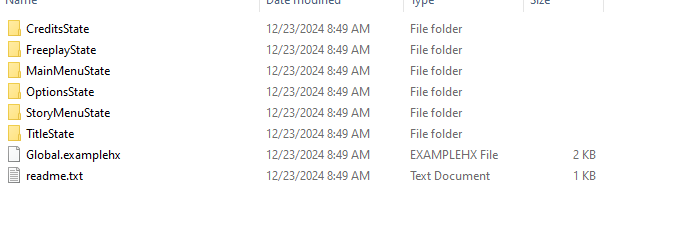
Each folder has the name of certain menus, like MainMenuState (the main menu) or TitleState (the title screen). State folders are named by their class names in the source code.
Let's edit the Main Menu!
Since the main menu is called "MainMenuState" in the source code, we will call our folder "MainMenuState". ANY haxe script you put in this folder will be ran when the state it's associated with is active.
Let's make all of the options in the main menu invisible. To do this, make a new hx file inside of the MainMenuState folder and put this in it:

Now if you go into the game while our modpack is active and go into the main menu...
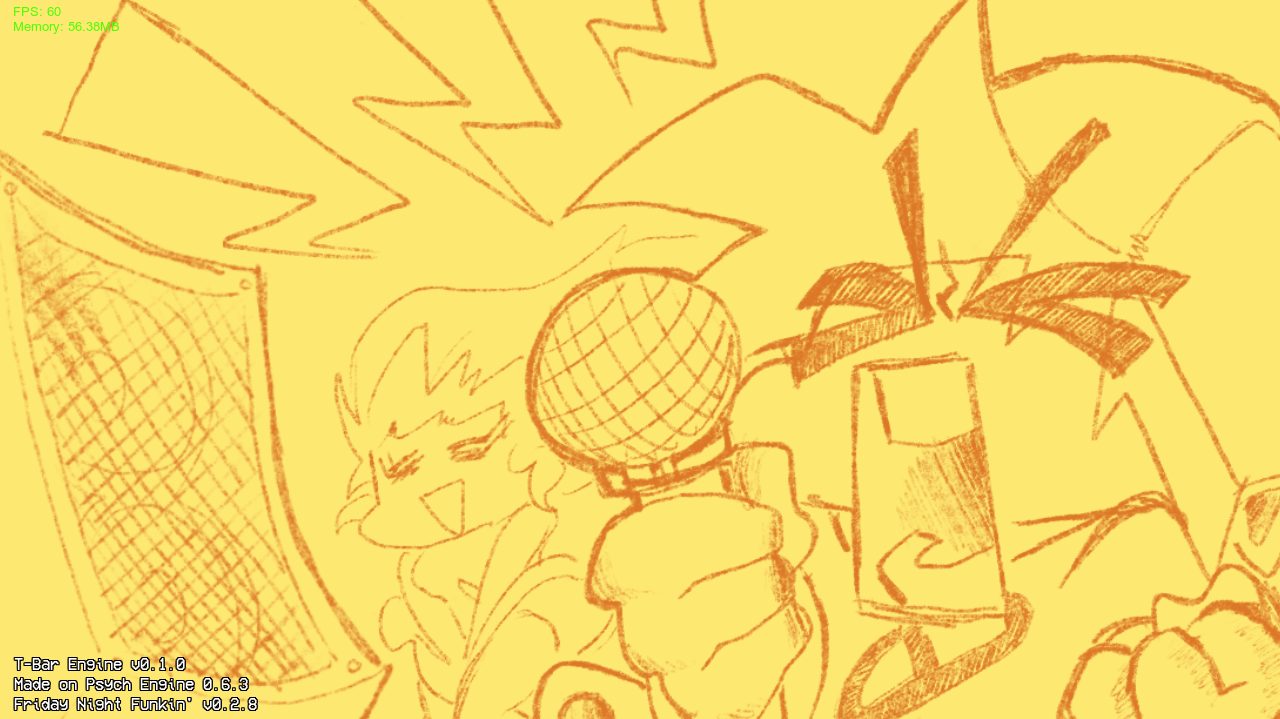
...we can see that all of the options available are now invisible.
Some states have exclusive callbacks specifically for that state, like how MainMenuState has `onSelectedItem` as a callback. But if you decide to edit a state that doesn't have any exclusive callbacks, then you will have to work with the classic `onCreate`, `onUpdate`, `onDestroy`, etc.
Note: In versions under 2.0, for states that are in subfolders (like how ChartingState is in the `editors` folder) you will have to name the folder `editors.ChartingState` for it to work. The latest version uses just the name of the class.
While editing a pre-existing menu is cool, it's much easier to start from scratch, so that's why you can also create your own states.
`ModScriptState` and `ModScriptSubstate` are states that allow for custom scripts to be ran inside of them. To make a new one, run this inside of pre-existing code:

Now create a new folder in your states folder named exactly like the folder specified in ModScriptState. Our example would be `NameOfYourState`.
Now inside of our folder, create a new haxe script add these to it's contents:
 Now when we go into the main menu again, our MainMenuState script will run, which will redirect us to our modscript state:
It's basically like a blank canvas for us to do whatever we want!
Substates are basically the same thing too. Just open a substate normally like `openSubState(new ModScriptSubstate("StateName"));` and you can use `close();` in the substate script to close the state.